Coaching workspace for professional coaches
You focus on the person. We take care of the rest.
Everything that belongs to a client or a team sits in one place. You walk into the session prepared, without hunting for it first.
No credit card needed. 30 days of full access.
How you work with Bold Bloom
From the first conversation to visible progress.
-
Bookings without email ping-pong
Clients book for themselves, through your own page or straight from your website. The requests land together with you instead of in your inbox, and you see early enough when your week is filling up.
- A booking page of your own, to link to or build into your website.
- Every request collects under “Appointment requests”, not in your email inbox.
- Your coaching appointments show up automatically in the calendar you already use.
- Capacity overview with weekly and daily limits. It also warns about appointments outside your own working days.
Capacity overview Show allWeek of 6 July 2026
Warning: Thursday is nearly full
- Scheduled time
- 1h 30m
- Weekly limit
- 4h
- Remaining
- 2h 30m
Rebuilt interface with example data. -
Being there, not taking minutes
After the session you write down what mattered, and you find it again next time. Mood checks, feedback and results from exercises sit with the same client instead of in three different files. And the methods you work with are there as building blocks.
- Notes and commitments are stored encrypted.
- What you agreed on is in front of you again at the next session.
- Modules with duration, preparation, step-by-step instructions, materials and tips.
- A timer runs alongside so you do not have to watch the clock.
Team Nordstern, Quarterly kickoff
Reviewing the quarter, setting goals for the next one
00:00 Start Reset BackQuick notes
Title
Note title
Note
Write your notes here…
Save note
Rebuilt interface with example data. -
Invoicing without switching tools
You write the message after the session once, and Bold Bloom fills it in for you from then on. At the end of the month you invoice right here, under your own name and with your own logo.
- Sequential invoice numbers, so your bookkeeping stays clean.
- German small-business rule under § 19 UStG, or standard taxation with VAT shown separately.
- Your invoice in your look, with your logo.
- Templates for the messages you send again and again, written once.
Invoicing details Save- Taxation
- Small business (§ 19 UStG)
- Payment term (days)
- 14
- Template
- Letterhead
These details appear on the invoices you issue to your clients.
Rebuilt interface with example data.
Systemic work
The quieter voices in a team count too.
That is why everyone writes at the same time in a retrospective, including participants without an account of their own. In anonymous mode, who wrote what is deleted when the board closes, not merely hidden. What you end up seeing is the picture of the group.
Retrospectives a team learns from
Everyone writes at the same time, including people without an account of their own. Six proven formats are already there, from Start-Stop-Continue to Sailboat. What goes on the board stays in the team.
The mood in the team, in view
You see how the team is doing without any single answer being traceable to a person. You can pass the evaluation on to the company as a PDF. For a deeper look at team culture there is TeamPulse, on the Studio plan.
Retrospective: Team Nordstern
Format: Classical retrospective
What went well?
What did not go well?
What should we change?
What changes when everything sits in one place
Six situations you may recognise, and what Bold Bloom makes of them.

Last time’s notes
Spread across several tools
Somewhere between a notebook and a notes app
Bold Bloom
With the client, where you look for them
What you agreed on
Spread across several tools
Reconstructed from memory
Bold Bloom
In front of you again at the next session
How far someone has come
Spread across several tools
Reading through old notes again
Bold Bloom
Past and upcoming sessions on one page
Getting ready for the session
Spread across several tools
Pulling it all together beforehand
Bold Bloom
Ready when you open the session
The report for the company
Spread across several tools
Collating the numbers by hand
Bold Bloom
Comes out of what is already there
The message afterwards
Spread across several tools
You write it when you think of it
Bold Bloom
Fill in the template and send
From a coach
Built from practice, for the reality of a coaching day.
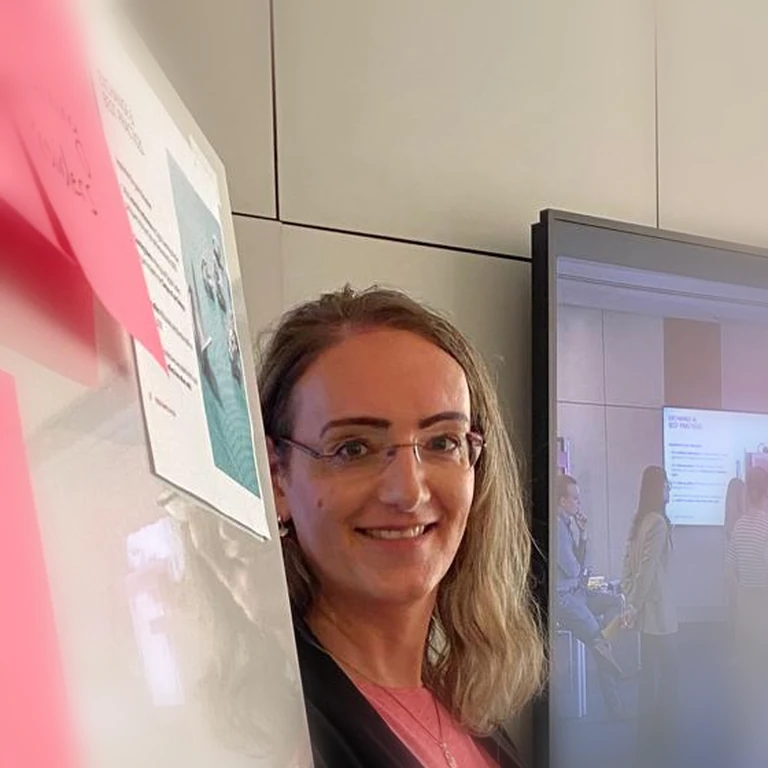
Julia Kalder
Systemic coach & team coach, founder of Bold Bloom
I'm a systemic coach and an agile team coach. My methods lived as files on my own machine, my notes in one program and my appointments in another. Bold Bloom started as a collection of my own modules, because I wanted one place to quickly see where a team and my clients stand, what we worked on last, and which methods might help.
That's exactly where Bold Bloom came from.
Not because coaching can be planned, it can't. But because every session brings its own surprises, good preparation, clean notes, and the right methods are what let me be freer and more present in the room.
Bold Bloom brings sessions, teams, notes, and coaching methods together in one place, so I can put my attention where it belongs: on the person, the team, and what's really needed right now.
Founder's own team-coaching practice
One place to work from, instead of many.
My notes lived in Excel, on paper and in OneNote. Today it all sits in one place, and I no longer re-type the agenda before a session. For the visual work I still use Miro, linked from the session.
The founder's experience from her own coaching practice.
Your growth as a coach
Your own reflection as a coach has a protected place.
Good coaching depends on looking at your own work. There is a place for that here that nobody but you can see. What you need for supervision, you add yourself.
Your reflections
A private journal about your own work, with an optional self-assessment and tags. As you write, you decide whether an entry should go to supervision later.
Supervision folder
For supervision, Bold Bloom compiles your sessions into an hours record. No personal details of your clients go into it. Your reflections come along only if you flagged them for it.
- Sessions from
- 1 April 2026
- Sessions until
- 30 June 2026
- Format
- Include part B (flagged reflections) in the PDF
- yes
- Case reference
- K-0417
- Sessions
- 9
- Hours
- 13.5
Clients appear in the folder under the case reference only, never by name.
Confidentiality
How we handle your data.
-
Your notes are stored encrypted.
That covers everything you record around a session: notes, commitments, mood checks, feedback and results from the exercises.
-
The servers are in Germany.
Database, files and backup copies sit on servers in Germany, with a provider bound by an Art. 28 GDPR data processing agreement.
-
AI only sees what you hand it.
Your notes go into an AI feature only if you release them there explicitly. It does not happen on its own.
-
You take your data with you.
You can download everything you have stored here at any time, and delete your account yourself. It disappears from the backup copies within 90 days at the latest.
Do the math
Work out what admin costs you each month.
Set it to how you work and see what adds up.
Time currently going to admin
At your hourly rate, that's worth
Our prices
Choose the plan that fits your coaching practice. No hidden fees.
Solo
For a first client or two. The whole session flow, no time pressure.
- Up to 3 active people, clients and team members combined
- Unlimited sessions
- Email support
- 1 team workspace
- No coaching toolkit, AI features or App Store
- No retrospectives
- No progress dashboards or reports
- No supervision folder
Practice
For a full coaching practice. Up to 25 people, up to 5 team workspaces, all core features.
- Up to 25 active people, clients and team members combined
- Up to 5 team workspaces
- Unlimited coaching sessions
- Progress dashboards
- Priority email support
Studio
For a full coaching studio. Unlimited clients and team workspaces, everything from Practice included.
- Unlimited team workspaces and clients
- Everything in Practice
- Priority support
Frequently asked
Answers to what you might be wondering.
Can the company that hired me see what we discussed one-on-one?
No. There is no login in Bold Bloom for a sponsoring company. Your notes are yours, and nobody sees the individual answers from a mood check. What a company learns is what you choose to pass on.
Do I have to tell my clients that their data is stored here?
You are the controller for your clients' data; Bold Bloom processes it on your behalf. There is a data processing agreement under Art. 28 GDPR that you can read before signing up. What your own privacy notice has to say depends on your practice.
Do I get an hours record for supervision?
From Practice onward, the supervision folder compiles an hours record as PDF or CSV for any period you choose. Clients appear in it under a pseudonymised case reference only. The reflections you flagged come along as part B: in the PDF you can leave them out, in the CSV they are always included.
Can I add my own methods and formats?
Yes. Alongside the library that ships with the product you can create your own modules, with duration, preparation, step-by-step instructions, materials and tips. You decide per module whether it stays private or becomes visible to others, and you drag it into the running order of a session.
Can people without a Bold Bloom account join a retrospective?
Yes, they join by code or link and need no account. All that is stored for them is a display name they choose and an avatar, no email address. In anonymous mode the link between person and contribution is deleted when the board closes, not merely hidden. Retrospective content is not sent to any AI provider.
Does Bold Bloom replace my calendar?
No. Bold Bloom publishes a calendar feed that you subscribe to in your own calendar, and your appointments show up there. There is no two-way sync with Outlook or Google.
Can I invoice my clients?
Yes, in your own name. Bold Bloom does not appear as the issuer on the invoice. You enter your invoicing details once, choose the German small-business rule under § 19 UStG or standard taxation, and get your own number range that stays unchanged from then on. The logo and the template are yours.
What happens after the 30 days, and to my data if I stop?
After the 30 days your account continues free of charge on Solo and your data stays. You can cancel yourself. You request an export in the settings; the download link arrives by email and is valid for 24 hours. If you delete your account the data is gone, files included, and it ages out of the encrypted backups within 7 days.
Try it, in your own time.
If Bold Bloom fits, you will notice after a few sessions. And if it does not, you have lost nothing.